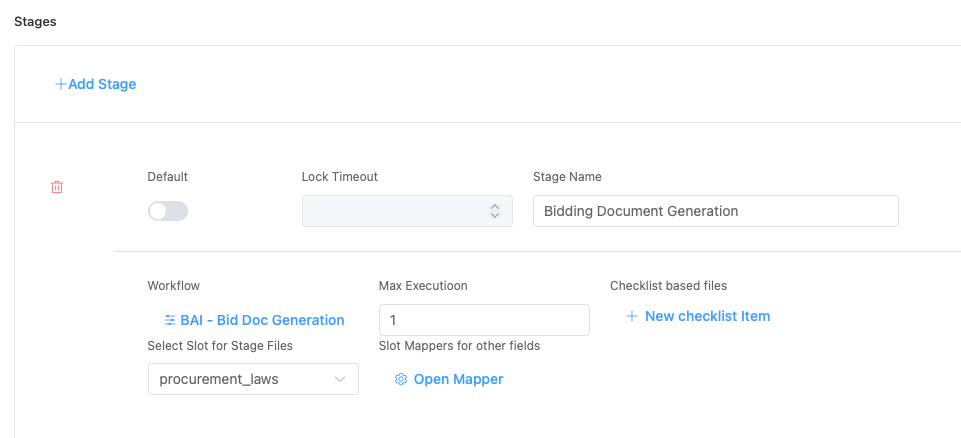
- Define workflow progression and states for each stages
- Control field editability and visibility per stage
- Trigger stage-specific automations and validations
- Enable multi-step approval and review processes
- Each stage workf independently to have parallel workflows and automations.
Stage Workflows
Workflows represent agentic automation processes that execute at specific triggers (creation or update events) within a sub-project. They enable intelligent, event-driven automation of business logic. All workflows are run through a specific stage.
Purpose
- Automate business logic and decision-making
- Execute intelligent agents for complex operations
- Trigger integrations and external actions
- Support multi-step, conditional automation