
1. Initial Setup
- Navigate to https://marketplace.zoom.us.
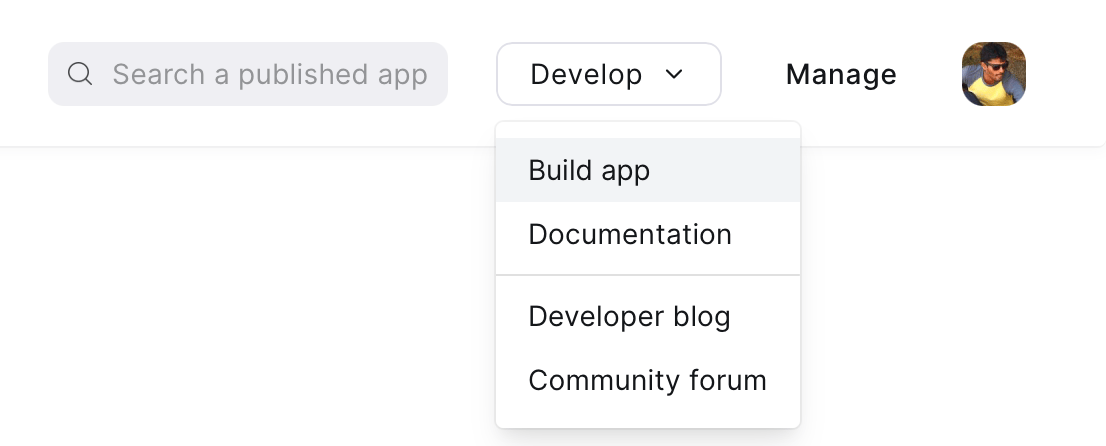
- Click on Build App under the Develop menu on the top right side.
- From the popup, select Server to Server OAuth App and then click Create.
- In the App name, type:
Saras AI.
2. Configuration
App Credentials
- From the new screen, navigate to App Credentials.
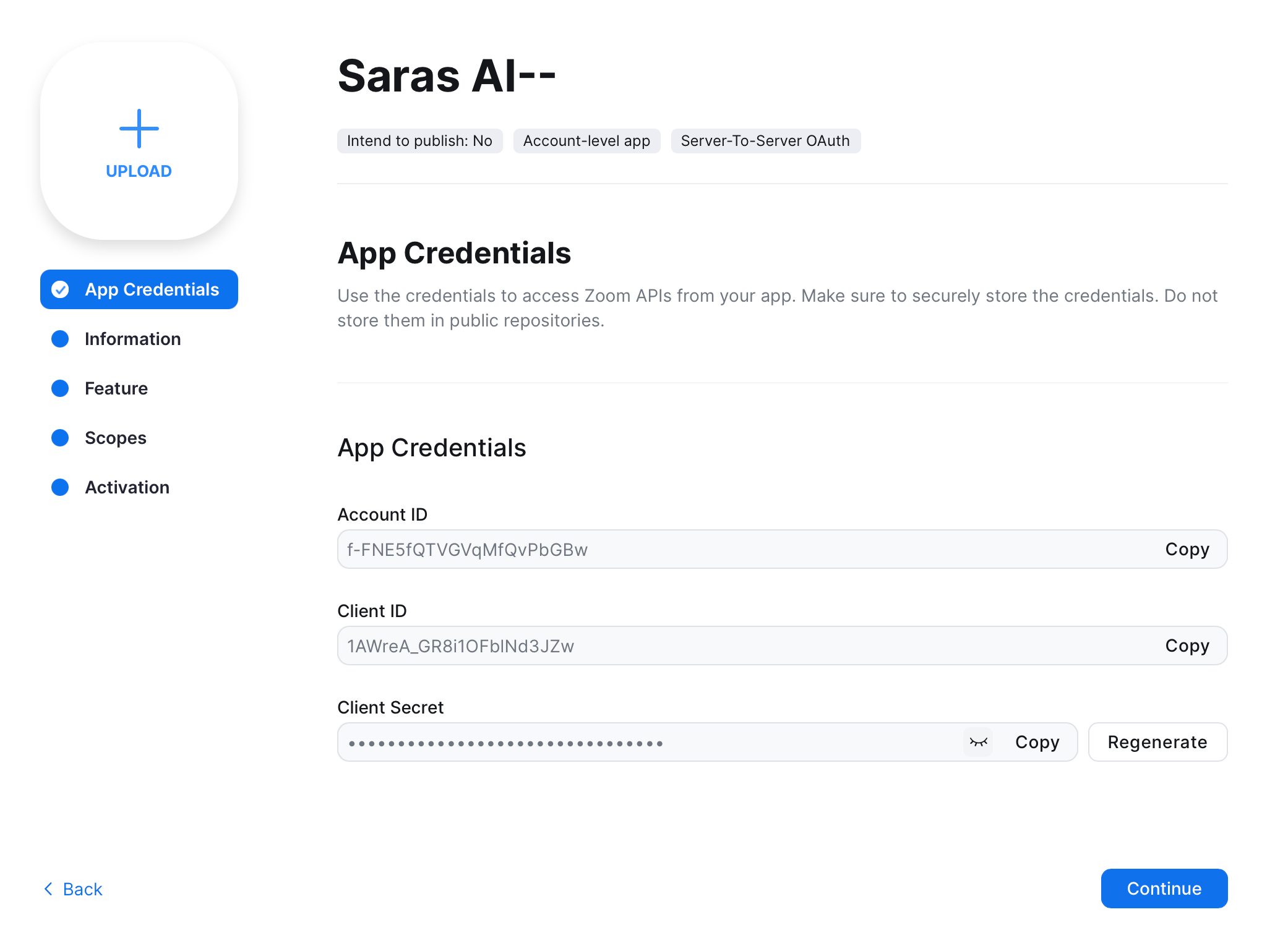
- Note: Copy the Account ID, Client ID, and Client Secret. These will be required for the integration setup in the Saras Portal.
Information
Fill in the following information as needed: Basic Information:- App Name: Saras AI
- Short Description: (Leave blank)
- Company Name: Saras Finance
- Name: Your Name
- Email: yourEmail@yourdomain.com
Features
No configuration is needed in this section at this moment.Scopes
- Click on the + Add Scopes button.
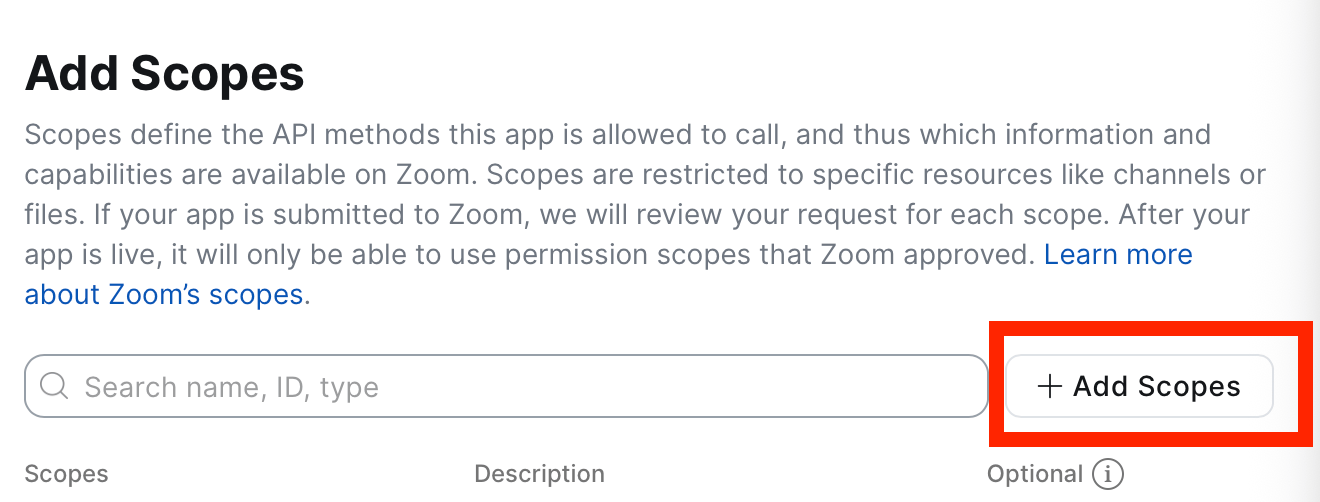
- Search for and select the following scopes one by one:
meeting:write:meeting:adminmeeting:write:meeting:mastercloud_recording:read:registrant:admincloud_recording:read:meeting_transcript:adminuser:read:list_users:admin
- Scope Description: Leave blank.
If you are asking the Saras Support team to configure Zoom for you, kindly share the Account ID, Client ID, and Client Secret with them.